UPI App Guide to Secure Payments Transfers and Account Safety
A UPI app allows users to send money, receive payments, scan merchant QR codes, settle bills, and manage bank-to-bank transfers through a mobile device. Instead of entering complete account details for every transaction, users can often make payments through a mobile number, payment address, QR code, or saved bank account.
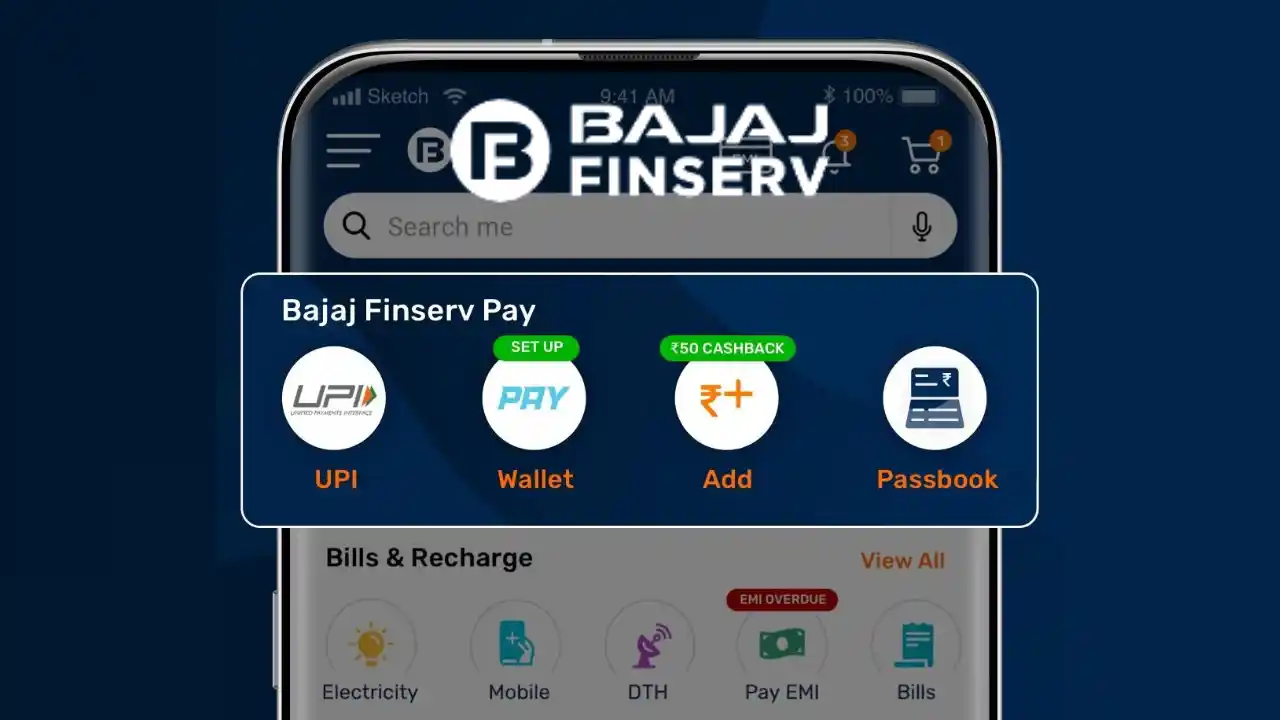
The process is convenient, but every transaction still requires careful verification. Users should confirm the recipient, amount, linked account, payment purpose, and transaction status before considering a transfer complete. Secure device access and responsible PIN usage are equally important because digital payment mistakes can result in immediate financial loss.
Some financial platforms also provide access to Loans within the same interface. These borrowing options should be assessed separately from payment services because eligibility, interest, fees, repayment terms, and lender conditions may differ significantly from ordinary money transfers.
Understanding the Role of a UPI App
A UPI app acts as an interface between the user, linked bank account, recipient, and payment network. It does not generally hold the full bank balance inside the application. Instead, it helps the user authorise transfers directly from an eligible account.
During registration, the application verifies the mobile number connected to the bank account. Once verification is complete, the user can select an available account and create a confidential payment PIN.
This PIN is required when money is being sent or a debit request is being approved. It is not normally required simply to receive money.
Setting Up the App Correctly
The application should be downloaded only from an official app store or the verified website of the service provider. Users should confirm the developer name, app description, customer support details, and privacy policy before installation.
The mobile number used for registration should generally match the number recorded with the bank. The relevant SIM should remain active in the device during verification.
Once the account appears, users should confirm the masked account number and bank name before linking it.
Create a Secure Payment PIN
The payment PIN should not be easy to guess. Birth dates, repeated digits, and common number patterns should be avoided.
It should also be different from the phone unlock code and other financial passwords.
No bank employee, merchant, customer support representative, or caller should ask the user to reveal this PIN.
Main Payment Methods Available
A UPI app may support several ways to complete a transaction.
Payment Through a UPI ID
A UPI ID functions as a digital payment address. The sender enters the recipient’s ID, checks the displayed name, adds the amount, and approves the transfer.
The recipient name should always be reviewed because an incorrect letter or number may direct the payment elsewhere.
QR Code Transactions
Users can scan a QR code displayed by a merchant or another individual. After scanning, the application shows the recipient details and payment amount.
Some QR codes contain a fixed amount, while others require the user to enter it manually. The final debit should be checked before authorisation.
Mobile Number Payments
Certain applications allow transfers through a mobile number connected to an active payment profile.
Users should not rely only on the contact name saved on the phone. The recipient name displayed by the app should match the intended person.
Bank Account Transfers
Account number and bank-routing details may also be used when required. These details should be entered carefully because incorrect transfers may be difficult to reverse.
The Difference Between Paying and Receiving
Understanding the direction of a transaction is one of the most important safety practices.
When sending money, the user is asked to approve a debit through the payment PIN.
When receiving money, the recipient generally does not need to enter a PIN. If someone claims that a PIN must be entered to receive a refund, reward, or payment, the request may actually be a collection request.
Fraudsters often disguise debit approvals as refunds, cashback, account verification, or prize payments.
Every request should be read carefully before approval. The words “pay,” “send,” “approve,” or “collect” can indicate that money will leave the account.
Verify the Recipient Before Every Transfer
Even saved recipients should be checked before payment.
The user should confirm:
- Recipient name
- Payment address or mobile number
- Transfer amount
- Selected bank account
- Payment purpose
- Additional charges, if shown
For a first-time high-value transfer, a small test payment may be considered before sending the full amount.
Users should also avoid making payments while distracted or under pressure from a caller.
Safe QR Code Practices
QR codes are convenient, but fraudulent replacements can be placed over genuine merchant codes.
Before scanning, inspect whether the code appears altered or covered by another sticker. After scanning, compare the displayed recipient name with the merchant’s name.
If the details do not match, cancel the payment and ask for another verified method.
A QR code should not be scanned simply because someone claims it is required for receiving money. Scanning usually prepares an outgoing payment.
Managing Multiple Linked Accounts
Users may link more than one eligible bank account to the same application. This can simplify transfers, but it also increases the chance of selecting the wrong account.
Before authorising a payment, check which account is being debited. The default account for receiving money may differ from the account selected for sending it.
Closed or inactive accounts should be removed. Users should also update their payment setup after changing their phone, mobile number, or banking relationship.
Keeping account information current can reduce failed transfers and misdirected refunds.
Understanding Transaction Limits
Payment limits may depend on the bank, application, transaction category, user profile, and applicable regulations.
There may be separate limits for a single transfer and the total amount that can be sent in one day.
Newly registered accounts or recently changed devices may face temporary restrictions. Certain categories of payments may also have different permitted values.
Users planning a high-value transfer should review the applicable limit in advance rather than attempting repeated transactions after failure.
Handling Successful Payments
A successful screen should be supported by a transaction record in the application and a corresponding entry in the bank account.
For important payments, users should also confirm that the recipient or biller has received the amount.
The transaction reference number should be saved. It may be required when raising a complaint or confirming the transfer.
Screenshots can support record keeping, but sensitive details should be hidden before they are shared with another person.
What to Do With a Pending Transaction
A pending status means the application has not received final confirmation from all systems involved.
The user should avoid making the same payment again immediately. The original transaction may later become successful, resulting in a duplicate transfer.
Check the application history and bank statement first. If the amount was debited, wait for the stated resolution period.
When the status remains unresolved, raise a complaint through the official support channel and provide the transaction reference.
Responding to a Failed Payment
A transaction may fail because of poor connectivity, incorrect authentication, insufficient account balance, bank maintenance, or a network issue.
When no debit has occurred, the user can retry after checking the details and service status.
When the amount has been deducted, another payment should not be made until the first transaction is reversed or confirmed as unsuccessful.
Refund and reversal timelines can differ. Users should retain all related messages and transaction records until the issue is resolved.
Protecting the Mobile Device
Device security is an essential part of payment safety.
Users should enable a strong screen lock and keep the operating system and application updated. Financial applications should not be installed from unofficial links or files.
Payments should be avoided on public Wi-Fi because unsecured networks may increase exposure to unauthorised activity.
Remote-access and screen-sharing applications should never be installed at the request of an unknown caller. Such tools may allow another person to view confidential information or control the device.
If a phone is lost, the user should block the SIM, notify the bank, secure linked email accounts, and use available device-locking features.
Reviewing Application Permissions
A payment application may request permissions for SMS verification, camera access, contacts, or location.
Users should understand why each permission is required. Access to unrelated files, call records, or contacts should not be granted without a clear purpose.
Permissions should be reviewed periodically, especially after updates.
The privacy policy should explain how personal and transaction information is stored and whether it is shared with service partners.
Monitoring Payment Requests
Collection requests allow another person or merchant to ask the user for money.
These requests should be approved only when the recipient, amount, and purpose are fully recognised.
Unknown requests should be declined. Users should not approve a request because the sender claims it will release a refund or unlock an account.
Repeated suspicious requests may be blocked or reported through the application.
Using Transaction History for Expense Control
A UPI app can also help users review everyday spending.
Transaction history may include food purchases, travel, subscriptions, utility payments, shopping, and transfers to friends or family.
Frequent small payments can be easy to overlook, even when their combined monthly value is significant.
A weekly review can help identify repeated expenses, while a monthly review can support budgeting and savings planning.
Users should compare application records with bank statements to account for reversals, refunds, and pending payments.
Managing Recurring Mandates
Some applications allow users to create recurring payment instructions for subscriptions, bills, or scheduled services.
Before approving a mandate, review the merchant, maximum amount, payment frequency, start date, and expiry date.
Inactive instructions should be cancelled through the appropriate channel. Removing the application from the phone does not necessarily cancel a mandate.
The linked account should maintain enough balance before each scheduled debit.
Common Mistakes to Avoid
Users should avoid approving transactions without checking the displayed name and amount.
They should not share payment PINs, one-time passwords, card details, or banking credentials with anyone.
Repeating a pending payment too quickly can cause duplicate transfers.
Another common mistake is believing a screenshot sent by the payer without confirming the credit in the bank account.
Users should also avoid clicking urgent payment links received through unknown messages or social media accounts.
Evaluating Additional Financial Tools
Some payment applications include credit, insurance, savings, or investment features. The presence of these services in a familiar app does not confirm their suitability.
Before taking credit, users should review the lender, interest rate, processing fee, tenure, repayment date, and late-payment consequences.
A personal loan calculator may help estimate how a proposed monthly instalment would affect the budget after regular digital payments and household expenses are considered.
Conclusion
A UPI app can simplify bank transfers, merchant payments, bill settlement, and expense tracking through one mobile interface. Its usefulness depends on accurate recipient verification, secure PIN practices, device protection, and careful transaction monitoring.
Users should treat every payment as a financial instruction rather than a routine tap. Checking the recipient, amount, account, and final status can reduce errors, fraud exposure, and unnecessary payment disputes.